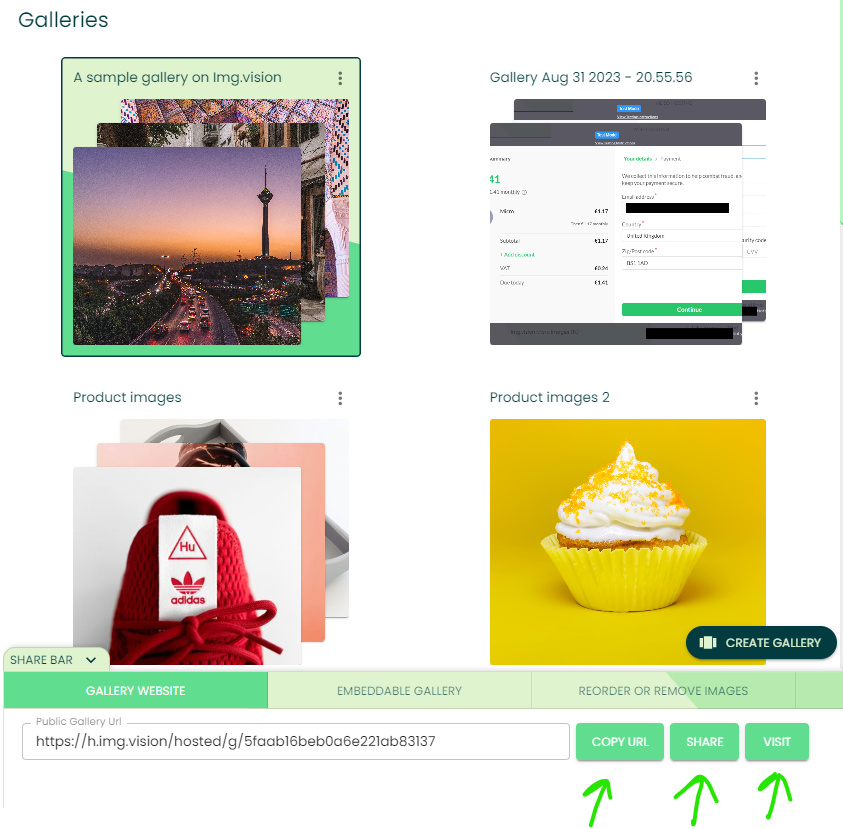

This guide will help you create and share a web gallery.
First, what’s a web gallery?
A web gallery is a page hosted on Img.vision that shows all photos that you added to the gallery in just one single page.
Mathias – Founder Img.vision
Example gallery
Here’s an example of a web gallery hosted on Img.vision
What are the benefits of Img.vision web galleries?
- You can share multiple images in one go, with just one link
- You can share unlimited images, you are not limited by how many you add, the gallery is smart enough to load only images that fit on your screen or while you scroll
- You can view the galleries on mobile and desktop, they are responsive
- The pages are not branded by an Img.vision logo, so if you’re a seller, you can send your customers to this page
Step 1 – Select your images & press the “Add to gallery” button
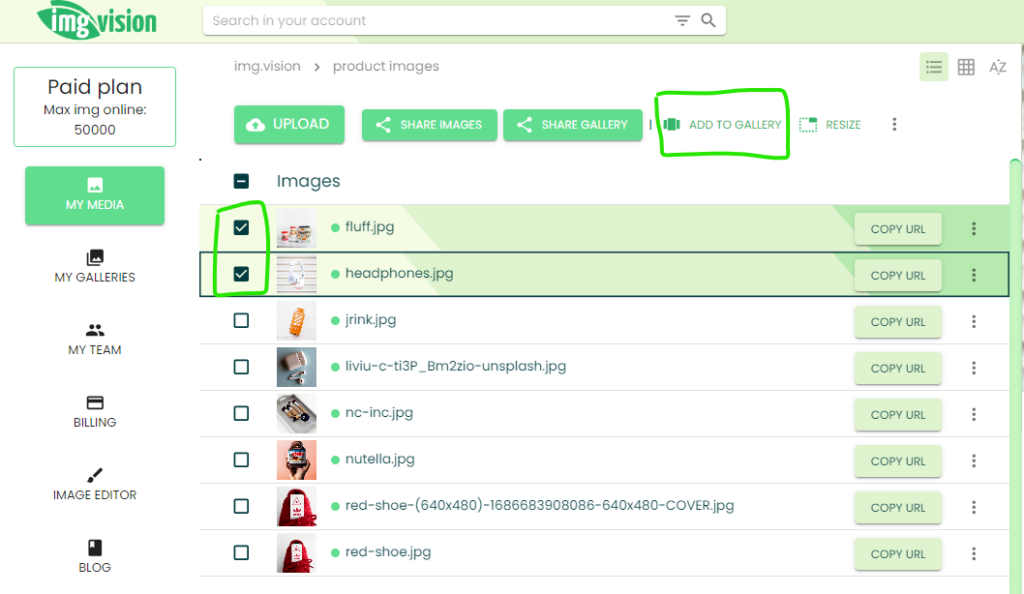
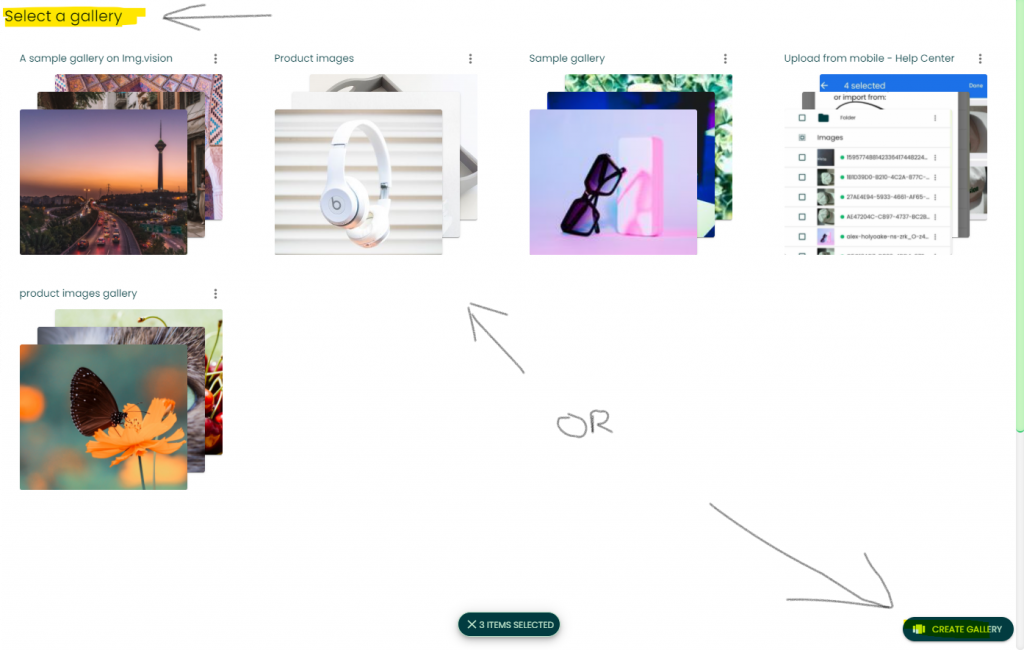
Step 2 – Drop images in an existing gallery or create a new gallery
Step 3 – When creating a new gallery, you need to provide a name
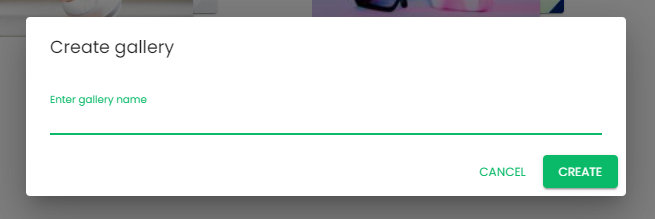
Step 4 – After entering the name, your gallery is created
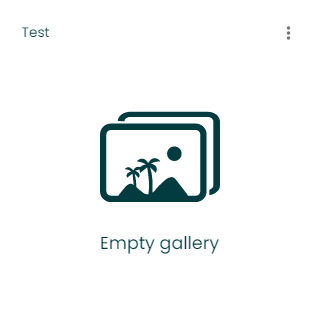
Step 5 – Select your newly created gallery to drop images into it
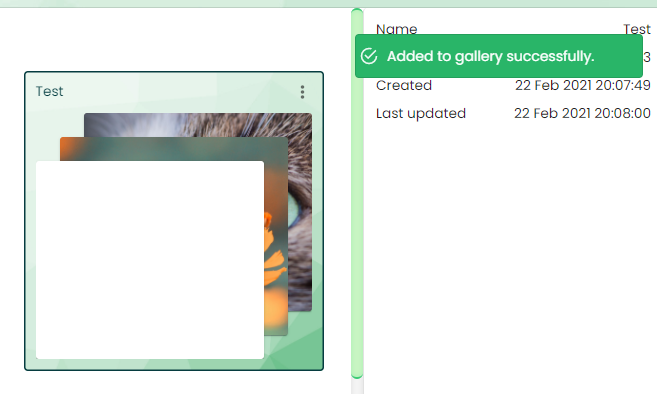
Step 6 – Visit or share your web gallery