

If you have a Pro or Pro Max plan, you can import your images from your Google Drive into your Img.vision drive.
Quick pick or Folder import
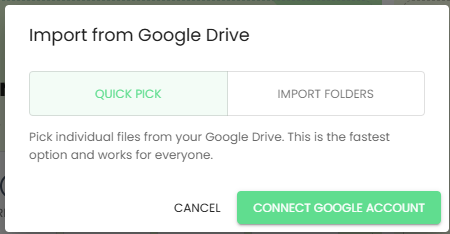
There are 2 methods available to import images from your Google Drive:
- Quick pick
- Folder import
Quick pick
Supports selecting one or more images to import.
Folder import
Supports importing folders and all its subfolders.
However, because we don’t have enough customers using this method, this approach is in test mode. This means you need to contact us with your Google Drive email address so we can grant you access to this feature.
Once you are granted access, you can connect your Google Drive. During this connection setup, Google will show you a warning that this method is in a test phase.
Rest assured, the feature is fully mature, secure and well tested.
